CueTandem
Basic
Set up segments and run a live countdown for each one.
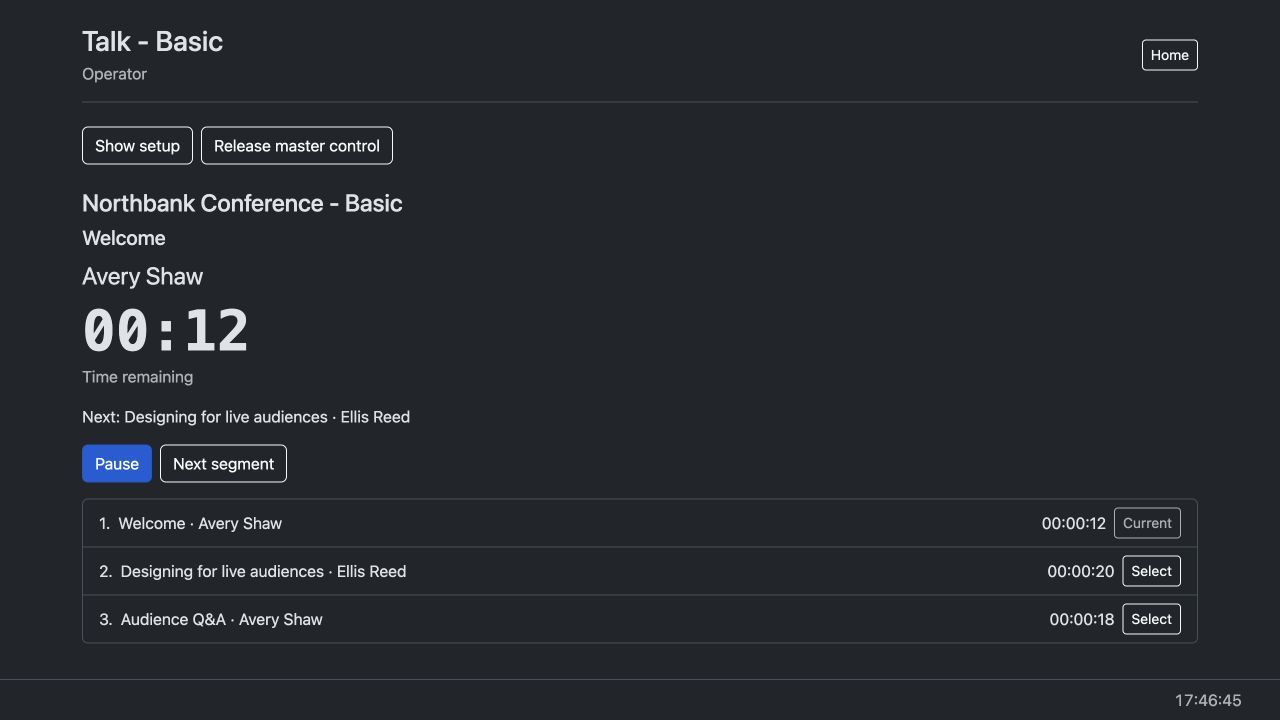
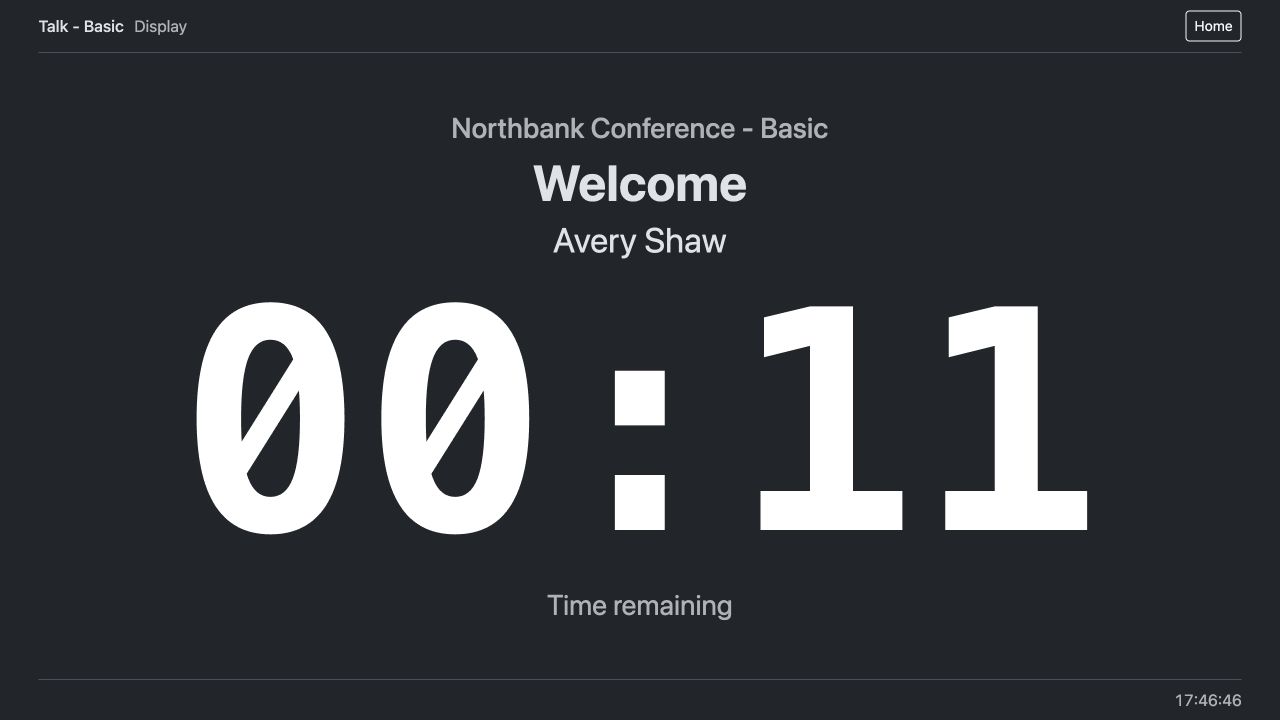
The operator starts the Welcome countdown. The presenter sees the timer and the display follows when the operator advances to the next speaker.
Give speakers a clear countdown and keep a conference programme on schedule.
Set the duration for each segment and put the countdown on a display where the speaker can see it.
| Feature | Basic Free | Intermediate Licence | Advanced Licence |
|---|---|---|---|
| Speaker segments and live countdowns | Included | Included | Included |
| Timed countdown warnings | Not included | Included | Included |
| Operator-triggered display flashes | Not included | Included | Included |
| Target start times | Not included | Not included | Included |
| Flexible segments with minimum durations | Not included | Not included | Included |
| Typed messages to the presenter | Not included | Not included | Included |
| Demo | Watch | Watch | Watch |
Set up segments and run a live countdown for each one.
The operator starts the Welcome countdown. The presenter sees the timer and the display follows when the operator advances to the next speaker.
Add timed warnings and flash the presenter display from the operator station.
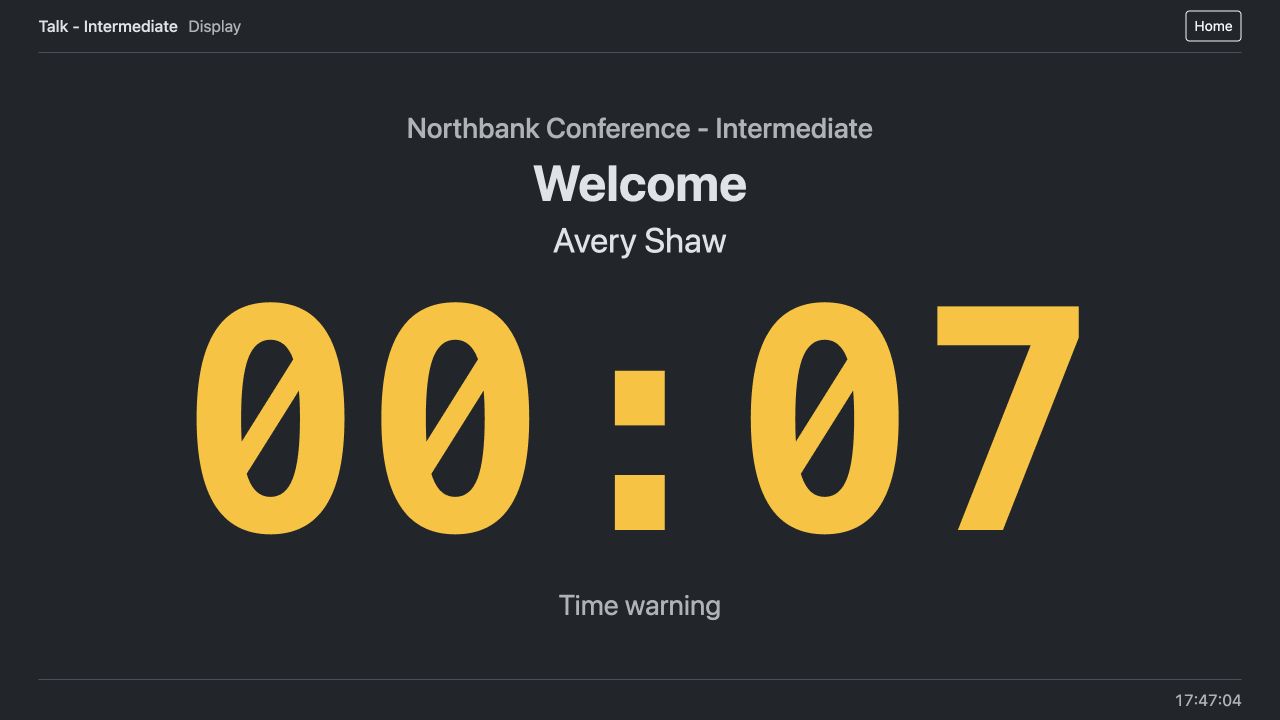
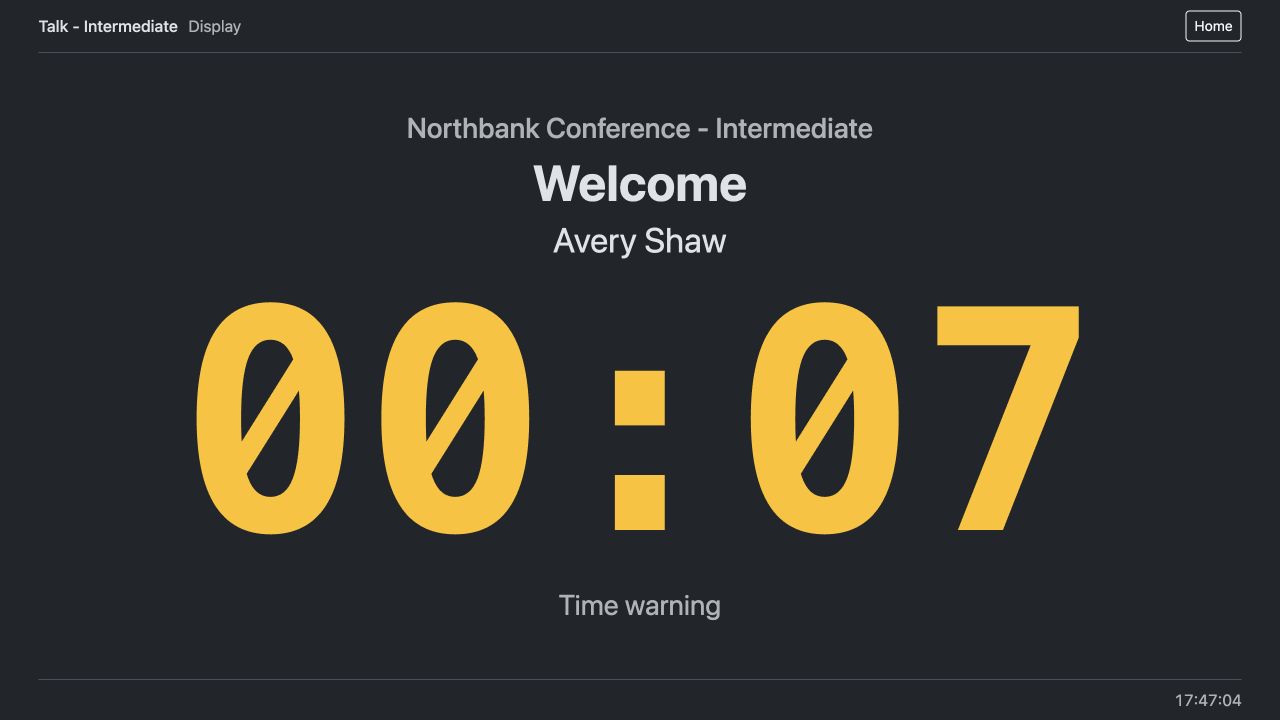
The presenter display changes to a time warning at seven seconds remaining.
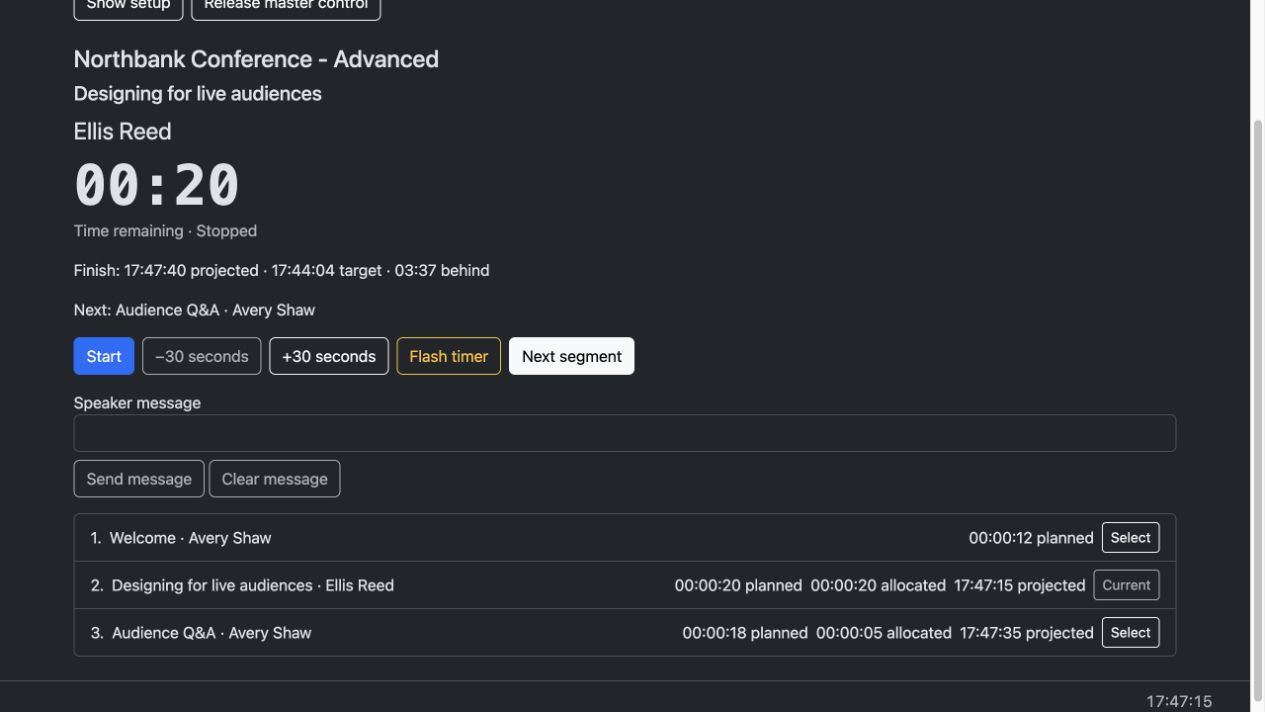
Plan target start times and set minimum durations for flexible segments.
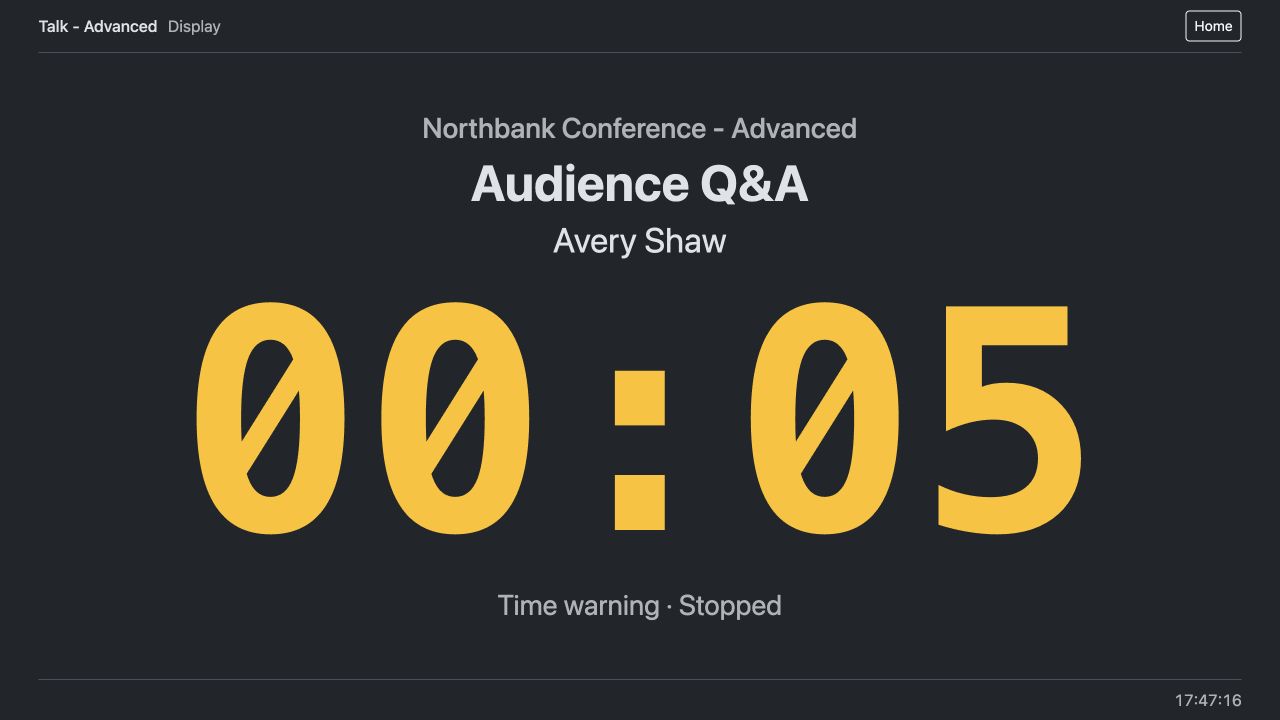
When the programme is behind schedule, CueTandem shortens the flexible Q&A to its five-second minimum. The presenter display follows when the operator advances to Q&A.