CueTandem
Basic
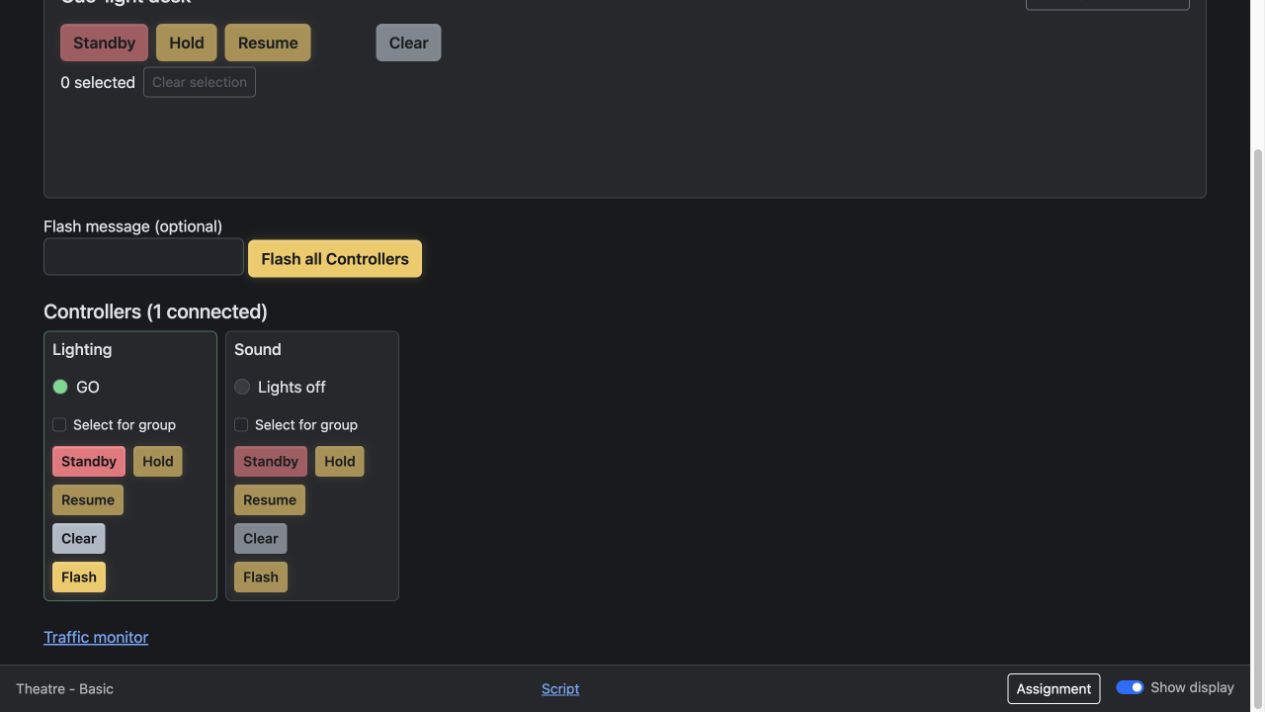
Run cue lights manually and see controller acknowledgements at the operator desk.
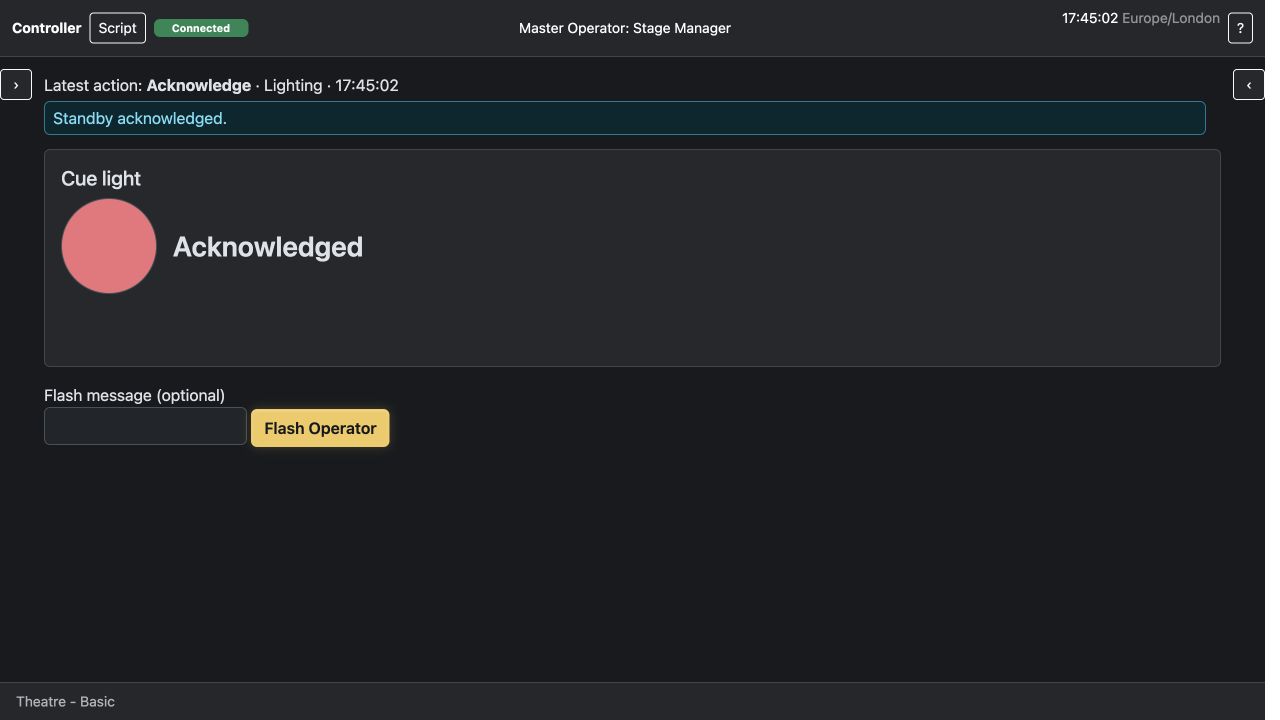
The stage manager sends a standby to Lighting. The controller acknowledges it, then the operator calls GO and the controller sees the cue light turn green.
Call cues, confirm standbys and keep the crew together from the script.
Give your crew their own controller screens. Send a standby, see who has acknowledged it and call GO when everyone is ready.
| Feature | Basic Free | Cue Licence | Cue Pro Licence |
|---|---|---|---|
| Manual cue lights and crew acknowledgements | Included | Included | Included |
| Prepared cue lists with Standby and GO | Not included | Included | Included |
| Import cues from a script | Not included | Not included | Included |
| OSC and MIDI cue output | Not included | Not included | Included |
| Automatic sequence failure handling | Not included | Not included | Included |
| Demo | Watch | Watch | Watch |
Run cue lights manually and see controller acknowledgements at the operator desk.
The stage manager sends a standby to Lighting. The controller acknowledges it, then the operator calls GO and the controller sees the cue light turn green.
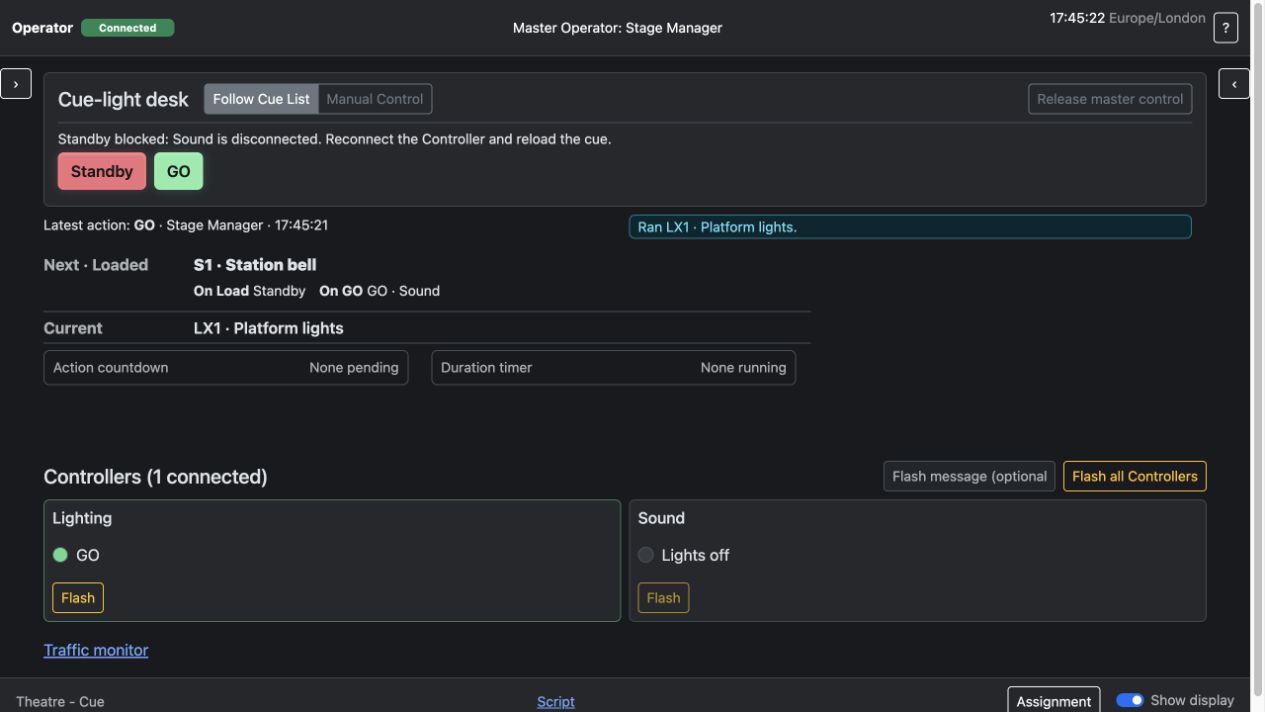
Work through a prepared cue list with standby and GO tied to the loaded cue.
The operator runs Platform lights from the loaded cue list after Lighting acknowledges. GO runs the cue and loads Station bell next.
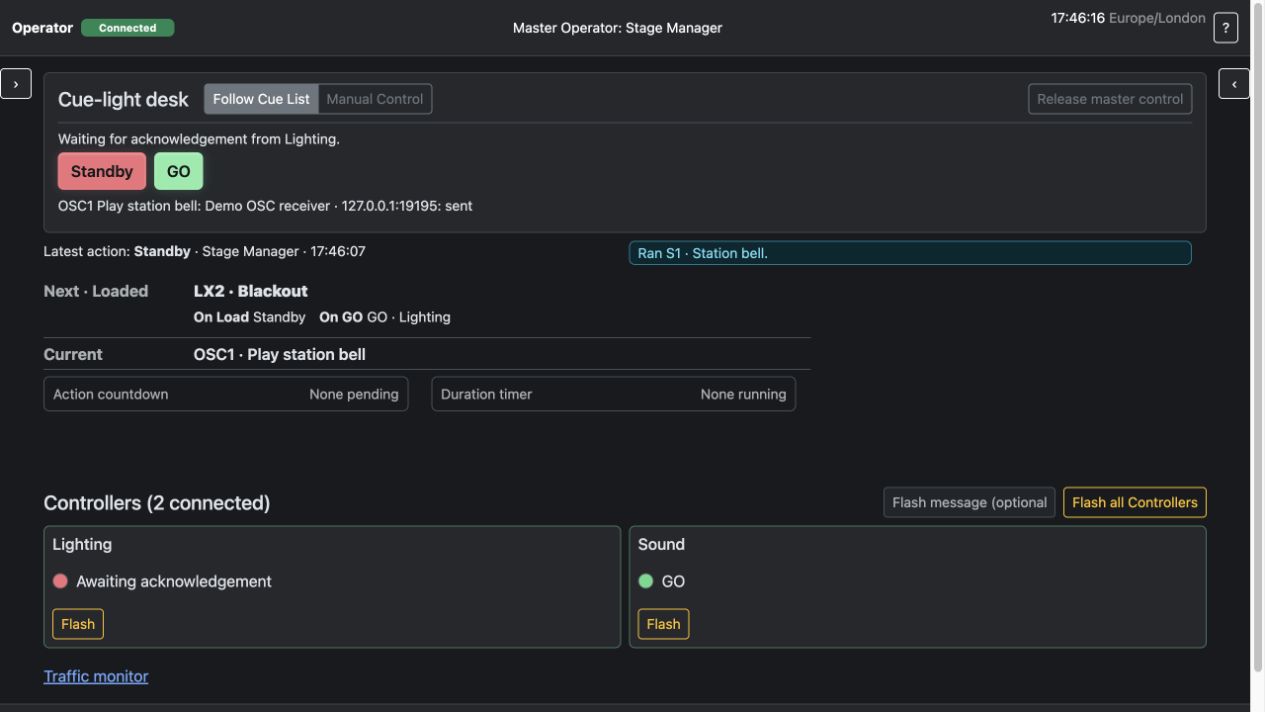
Import cues from a script, send OSC and MIDI commands, and control how automatic sequences respond to a failed send.
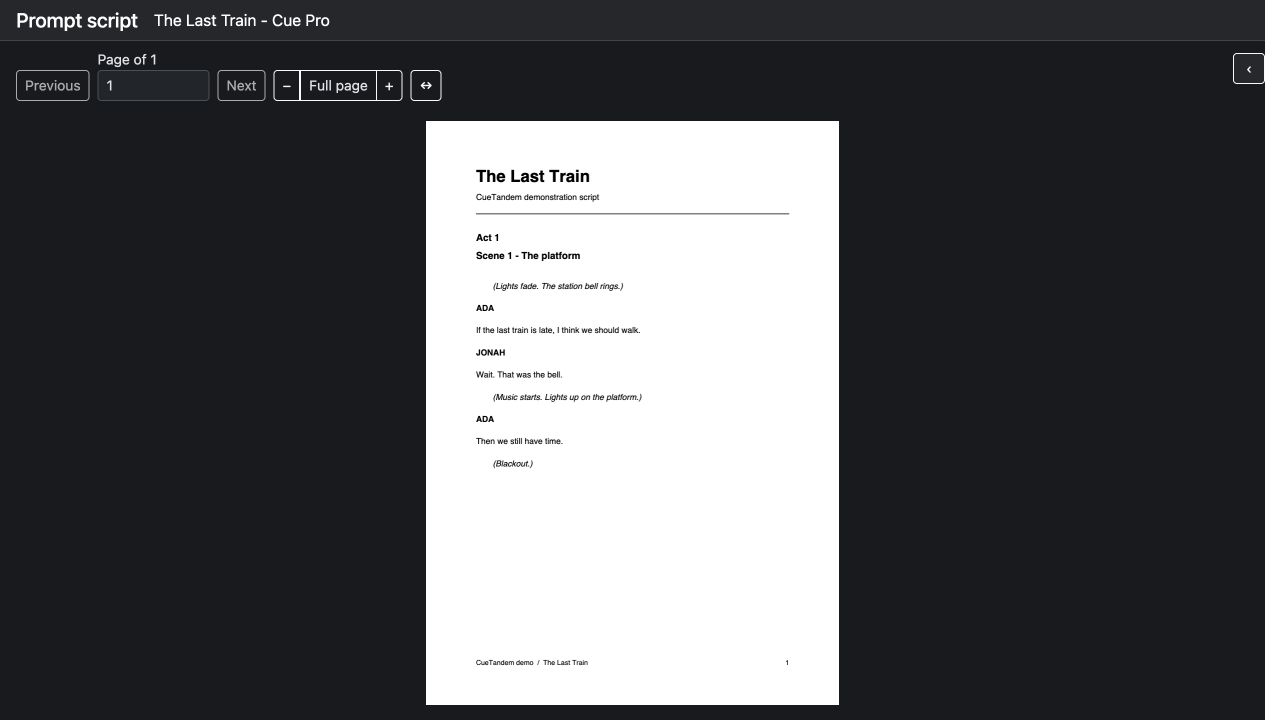
The prompt script runs on its own screen. The operator runs the Station bell cue, which automatically sends an OSC command to a local test receiver.